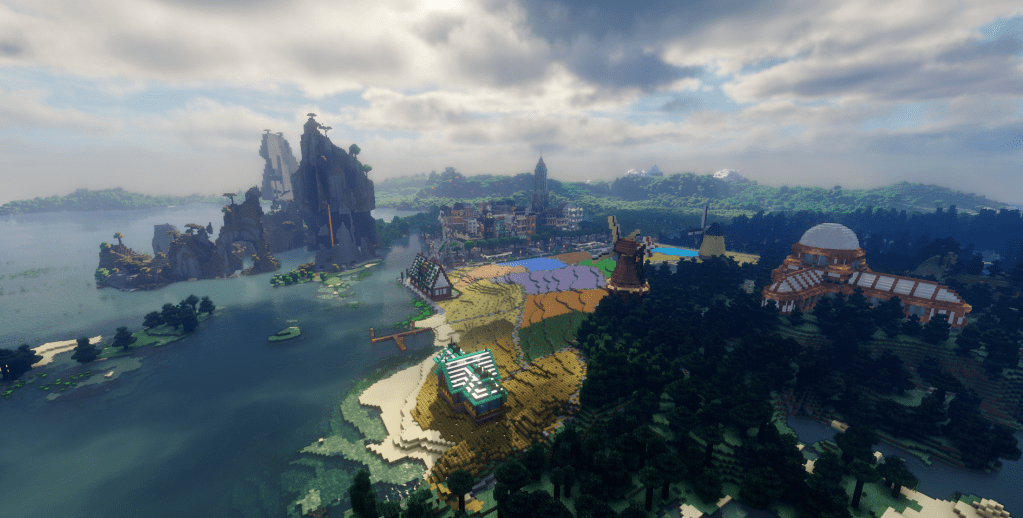
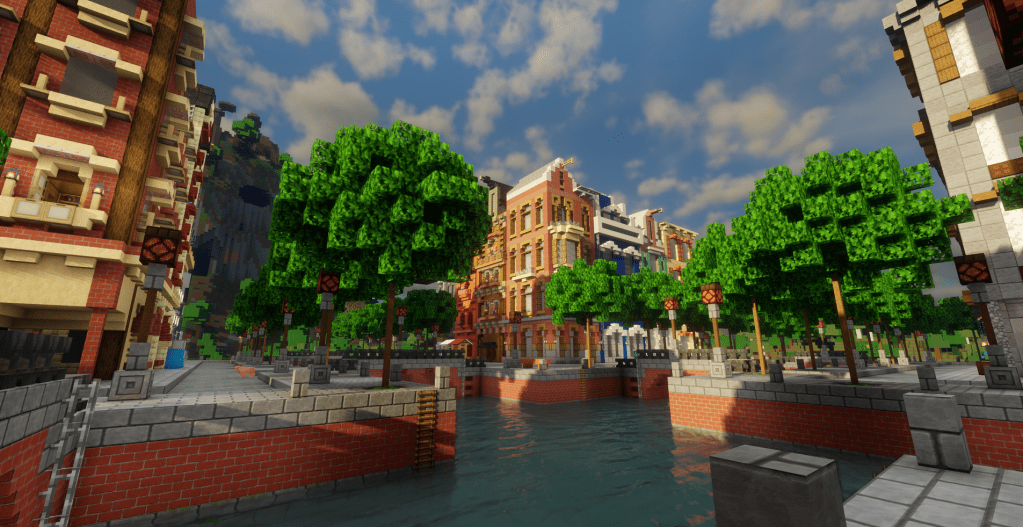
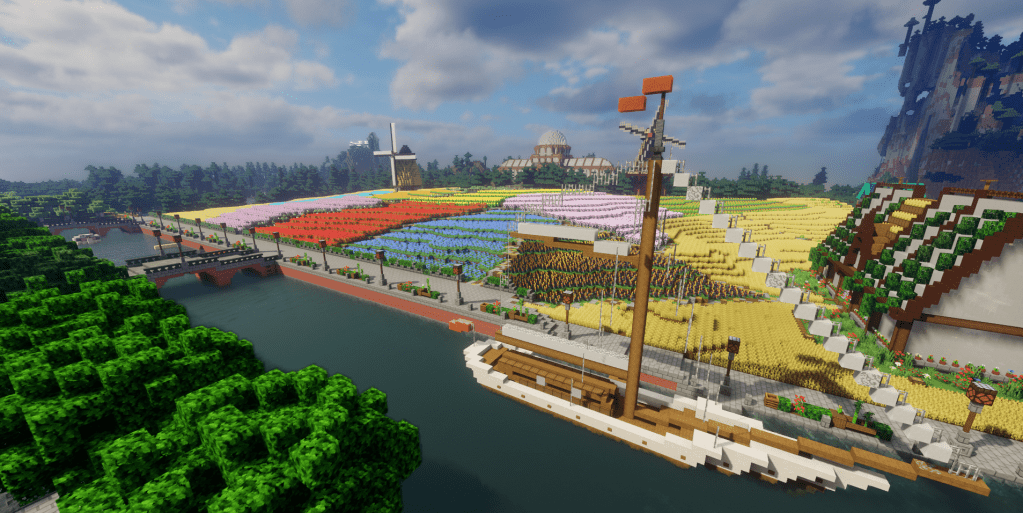
We’re bringing back an old map!

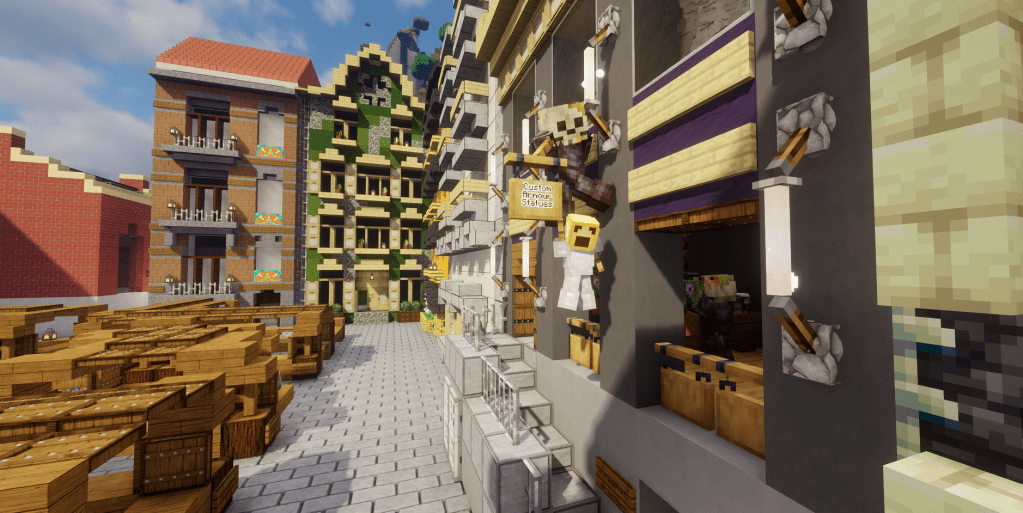
We’ve already had some great discussions around the feedback we got from the recent survey, and one of the discussions around how to bring previous players back was particularly timely! LibraryCraft celebrates its 5th birthday this year and thanks to a great idea from a couple of our players, we’re going to be helping celebrate it by temporarily bringing back one of our first LibraryCraft maps, OldSurvival!

OldSurvival was the 1.15.2 Survival map during the first ever Creative Competition in April 2020, the start of this website, the first Head Games competition, the Survival Build Competition, the first wave of COVID, Bedrock compatibility and a lot more.

During the July school holidays, we’ll be backing up and removing 119Survival and replacing it with OldSurvival. OldSurvival won’t have any player claims on it, but it won’t be a free-for-all either. The existing builds will be claimed by the mods. If you had a base in the world, you’ll be able to get it back – just let the mods know which one it was and we’ll transfer the claim over.

We’ll also be widening the old 5k x 5k worldborder to get some new items generating – this world didn’t have the new Nether, Netherite, lush caves, Wardens, axolotls, goats and a lot more. While the overworld items will appear after a bit of exploring, we won’t be turning on the Nether or the End, as this is only a temporary world. 120Survival will remain the primary Survival world, so OldSurvival won’t have /rtp either. We’ll have an admin shop for you to purchase blocks and items you won’t be able to get though.

We’re still figuring out a few things here and there, so if you want to be a part of the discussion, get into the Discord and get chatting, or send us a mail in game. More news will be coming over the next few weeks!

The 2024 Evaluation Survey has closed!

Back in March we announced the release of a special 2024 Evaluation Survey. We run these every year and always get great feedback, but this time we’re also doing it to look into the social impact of LibraryCraft. This year we had a record amount of players complete the form – 42 in total! Thank you to everyone that completed the form. It’s a huge help! We’ve got some great data to go through.

We also announced that two player entries would be randomly selected to receive a $50 JB HiFi voucher each, for completing the survey. We’ve done the draw, and the two winners are RubyBird12 and FireyCubes! Congratulations! We’ll be in touch through Discord to let you both know what happens next with the voucher.

What about the results? Well, the mod team have already gone through the comments and had a discussion about the feedback already, and we’ll be feeding that back to the players this week both in Discord to generate some further feedback and for the in game players too, through a separate website post.

We’re looking forward to bringing some fun things to LibraryCraft soon!

The Head Games is Over!

It’s been many weeks of players submitting heads and we’ve had fun, but it’s time to wrap up the Head Games Season 4! We kept adding players to the games too, with some of them submitting a double double chest full of heads, rocketing them to the top 10, but was it enough?

Before we get on to the prizes and the winners, for all players – if you want your heads back, please mail JohnsanGeezo with a pwarp for me to leave them at!

For those of you that have forgotten what the prizes were, we had a huge amount of blocks (seen in the image above), plus LEGO:

  • 1st: 31132 Viking Ship & the Midgard Serpent
  • 2nd: 76394 Fawkes, Dumbledore’s Phoenix
  • 3rd: 76181 DC Batman Batmobile: The Penguin Chase

Ok, enough delaying – on to the final leaderboard and the top three!

Congratulations to blackpandabread1, Meowlicky and Blossom for getting into the top three! Please reach out to me in either a Discord ticket or in game to arrange for collection of the LEGO, and with a pwarp to leave the in game loot at.

Thanks for playing everyone! We’d love some feedback for the Head Games, to make it better in the future. Please let us know!

Goodbye HungerGames PVP, Hello KitPVP!

After a few months of bugs in the old HungerGames PVP system, we’ve changed over to KitPVP. It also brings a couple of new maps, one of them is available now! More on that in a second. The PVP area in the Minigames Lobby has undergone a bit of a change. To play PVP, enter the portal for the map you’d like to play on.

When you enter the world, you’ll be sent to one of the various spawn points in that map with two items in your inventory – a CHEST and a CLOCK. The chest allows you to select your kit, the clock gets you back to the Minigames Lobby.

There’s a big difference with this version of PVP – there’s no matches, rather each player just respawns back in on death. Take out a player to get points, which can eventually level you up. There’s also no upper limit for players in an arena!

If you don’t have a kit enabled, you can’t be hit, but please don’t use that as a way to avoid being killed – play fair! You can change your kits as many times as you like. The kits are pretty great – fun powers like lightning bolts, position swappers and more.

Lastly, some useful commands you will want to know:

  • /kp clear will clear your current kit, allowing you to select a new one
  • /kp stats will show your current stats

We’ll get some leaderboards available in the lobby area once we’ve had a few players get stuck in.

New Maps

The first map that’s available straight away is from one of our own – SidewaysPVP by Meowlicky! This is a really exciting take on a PVP map, with a huge chunk of world built completely sideways. There’s even a cave system! Meow has used some structure block trickery to make a horizontal waterfall, and it’s also the best way to get up to the higher areas of the map. This was so much fun to test out. Well done Meow! When you’re in this map, make sure you’ve got your shaders turned off, as it can get quite dark.

The other map is the 10Themes Arena, a modified version of one from online – thanks to someone called _Dibbo_. This world is slightly different as it’ll only be available once the LibraryCraft League comes back for 2024, and will be limited to two players, as a priority for League matches.

We’re still working on how PVP will work in the League, as this plugin makes it harder to determine winners, especially if other players are in the map at the same time. More to come on that!

As always with a new plugin, there’s sure to be tweaks and changes to come as we fine tune it, so please open a ticket in Discord or send a mail in game if you find something that might need fixing or tweaking and we’ll see what we can do!

Introducing 1.20 Skyland!

A couple of weeks ago we opened the LC Hermitcraft Scavenger Hunt and it’s been a lot of fun! We’ve already had nine players complete it with more to come. We thought we’d also up the stakes a bit.

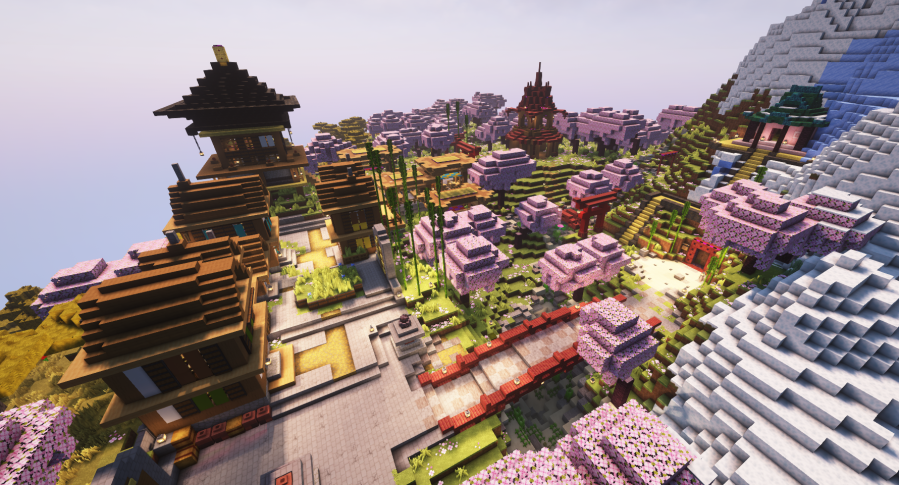
If you complete the Scavenger Hunt, not only will you get the golden shulker box full of goodies (check out the post linked above), but you’ll also get access to the newest Survival world to LibraryCraft, Skyland. Thanks to an incredible map by Flamedek_, Skyland is a 2k x 2k floating island world containing 13 different custom islands to explore and build on. There’s also a few other fun builds to find.

To get there, head through the large portal at the end of the Scavenger Hunt! You’ll know it when you see it. Note: Access isn’t an automatic thing. Johnsan will need to allow you access only after you have completed the Hunt.

There’s a few things to be aware of with Skyland:

  • Skyland is inventory linked with 120Survival, so you’ll have the same inventory – it will carry over between worlds, just like the Nether.
  • Skyland is an opt in world. If you don’t want to play on it, that’s fine! This is important for the next point.
  • The void is real, and you can die in it. If you die in the void, you can collect your grave yourself, but we won’t get involved. If you lose your gear, you lose your gear, so be careful.
  • There are no ores in Skyland. You’re more than welcome to dig and build etc, but ores have been removed. You’ll need to get your ores from 120Survival and bring them over if you need any.
  • You can claim your builds (and we would love to see some awesome builds in this stunning custom world), but don’t decimate a whole island just for resources. Grab your bulk resources from 120Survival instead.
  • There’s no bridges between worlds, so if you want to travel you’ll need an elytra until bridges are built. Make them nice though! We know you lot can build awesome things – you’re better than a simple dirt bridge or wooden plank bridge! Show us what you can do.

We’re really excited by this world and we’re looking forward to seeing what you can do with it! If you’re stuck with the Scavenger Hunt and really want to get it done, feel free to ask the team for some help. We’ll not give you the answers, but we’ll get you in the right direction!

LibraryCraft Group Photo 2023

It’s been a long time since we’ve done this, so let’s do another group photo! There’s three dates to choose from, with the most popular option being the one we go with.

  • Monday 8th January, 2:30pm
  • Monday 15th January, 2:30pm
  • Monday 22nd January, 2:30pm

There are TWO ways to cast your vote:

  1. If you have Discord, respond to the official poll in the #polls channel.
    OR
  2. Send JohnsanGeezo a mail in game with your chosen date/s.

Please only vote using ONE method. Don’t vote in Discord and in game. Use one or the other!

Voting will close on Friday 5th January.

If you can make more than one, let us know. The photo will be taken at JohnsanGeezo’s Pirate Cove base.

Head Games Season 4 – Now with LEGO prizes!

To sweeten the pot a little (and because we had these stashed in the cupboard), we’re adding some LEGO to the prize pool for the Head Games Season 4!

Get to the top three in the Head Games and you’ll also score:

  • 1st: 31132 Viking Ship & the Midgard Serpent
  • 2nd: 76394 Fawkes, Dumbledore’s Phoenix
  • 3rd: 76181 DC Batman Batmobile: The Penguin Chase

Huge! Make sure you read the article linked above for more information about the competition. It’s only a diamond block to register!

The LibraryCraft Secret Santa

It’s almost December, which means it’s almost time for Christmas! One of our players – FantasticFun – had a great idea. Let’s do a Secret Santa! We thought that was a brilliant idea, so we’ve spent a bit of time getting something prepared.

FantasticFun has spent some time creating a stunning Santa’s sleigh with reindeer, and it’s appeared above 120 Survival Spawn. Here’s what you need to know – this information will also be available in the sleigh itself. Just use the gate by the big candy cane at 120 Survival Spawn to get there.

Registrations for the Secret Santa will open from now, and will close December 17th.

To register, either send JohnsanGeezo a mail in game, or open a ticket in Discord and let him know you are registering for the Secret Santa!

By registering, you’re committing to sending someone a decent gift. Please don’t register if you don’t intend on sending something good, as it will mean that person will miss out on a gift.

John will send you a mail with who your Secret Santa person is. Please keep it a secret! Gifts are to be delivered between December 18th and 31st.

The 120Survival Trade Hall is OPEN!

It’s been a while coming, but we’re happy to announce that the 1.20 Survival Trade Hall is now open for business! Firstly, a massive thank you to toothless_spy, Backward_Nemo, Kisney and minywire for the tradehall build! It’s brilliant! So much to explore. You can get there by using the new 120TradeHall gwarp.

To be a part of it you’ll need two things:

  • 1x Shopkeeper Egg (1 Diamond Block)
  • 1x Shop Plot (FREE)

The shopkeeper eggs can be purchased from the villager’s stand by the front door of the Trade Hall. You’re limited to one Egg per player. While it is possible to purchase more, they won’t be able to be used, so you’re just wasting a diamond block – there’s no refunds. When you hold the egg, it will give instructions in chat what to do. Make sure you read them carefully.

Once you have an egg, grab a plot – just like claiming a plot in the Creative competitions, right click a sign. Make sure you make your shop look pretty! We don’t want to see just a villager and a chest. You can only get one plot. If you are caught with more than one, it will be removed without warning or refund. There’s also a height limit of about 4 blocks.

Please make sure you do not destroy any existing walls or builds in the trade hall. Some plots overlap some of the interior walls. Do not destroy them! If there is damage to the interior structure, your plot will be reset without warning or refund.

The Halloween Hats are back!

It’s almost Halloween, so back by request are our custom Halloween hats! We’ve got five to choose from this year, at only one diamond each!

From left to right:

  • The Pumpkin (it fits better on a regular sized head – the Villager heads are too tall!)
  • The Witch’s Hat
  • The Top Hat
  • The Trick Arrow (a little hard to see in the image!)
  • The Horns

These are only available in 1.20 Survival. The shop is located at JohnsanGeezo’s Pirate Bay base. It’s a big glowing pumpkin on the hill – you can’t miss it!

In order to see them you’ll need to download the new server resource pack, available at the bottom of the Player’s Guide.

Never used a resource pack before? That’s ok! Once it’s downloaded, in Minecraft select Options from the main menu, then Resource Packs. Make sure you do not unzip the file. It needs to stay zipped. To locate the correct folder to put it in, click Open Pack Folder (at the bottom) and drop the resource pack .zip file in. It will appear in the Available column. Select it and then click the > Arrow to move it over to the Selected column, then click Done. It will load it so the models are visible.